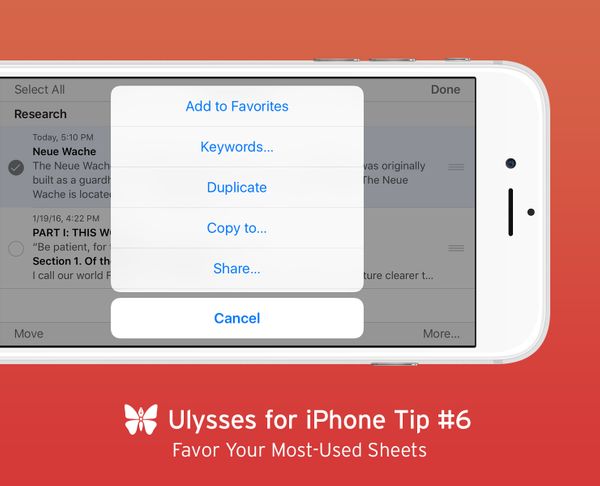
Favor Your Most-Used Sheets Ulysses for iPhone Tip #6 Productive writers often maintain quite a few groups and subgroups in their library. The tech writer David Chartier [https://stories-staging.ulysses.app/blog/2016/02/a-routine- …
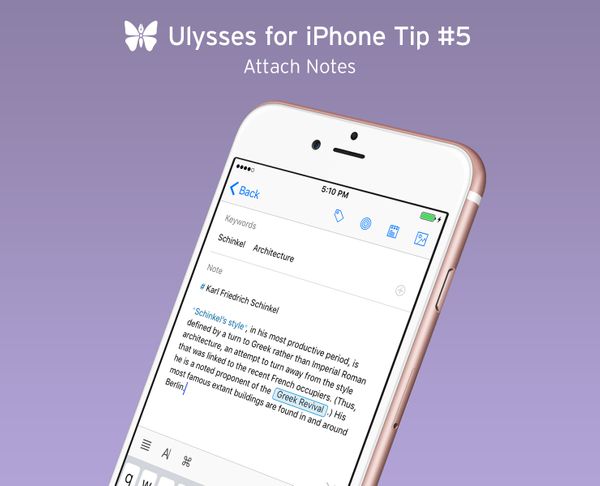
Attach Notes Ulysses for iPhone Tip #5 Note attachments are suited for keeping anything that belongs to but not in a text, from sudden inspirations to web links to character descriptions – up to you. Consequentially, …
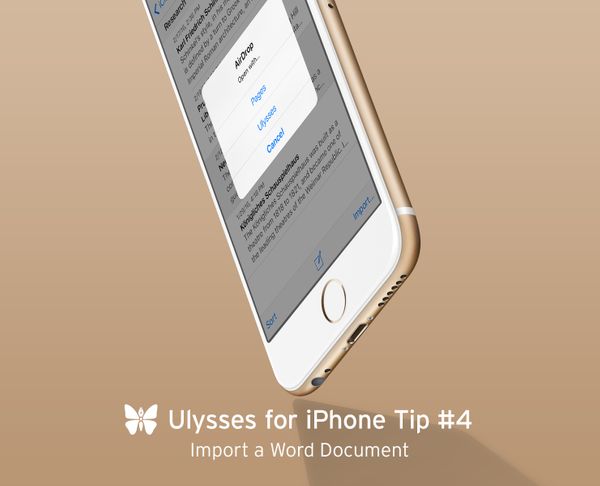
Import a Word Document Ulysses for iPhone Tip #4 Are there any unfinished Microsoft Word writing projects in your drawer? This should not prevent you from using Ulysses in the future. You can import DOCX files quite …
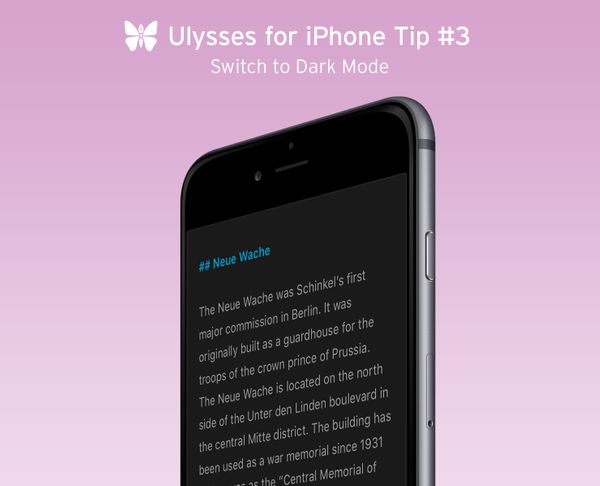
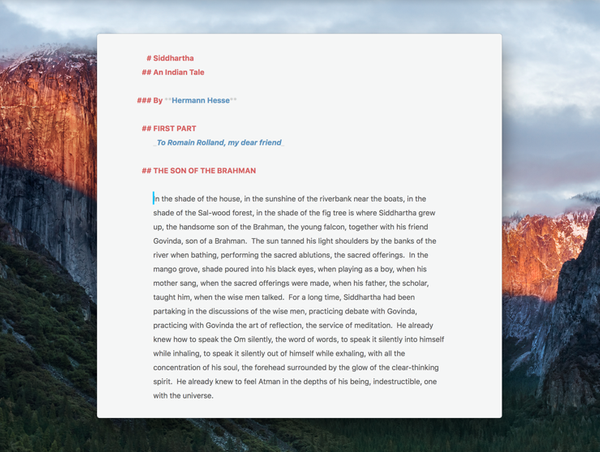
Switch to Dark Mode Ulysses for iPhone Tip #3 Especially in a dim environment, many people find working on a bright screen a little awkward. But with Ulyssses, the darkness is a friend of writers! The app …
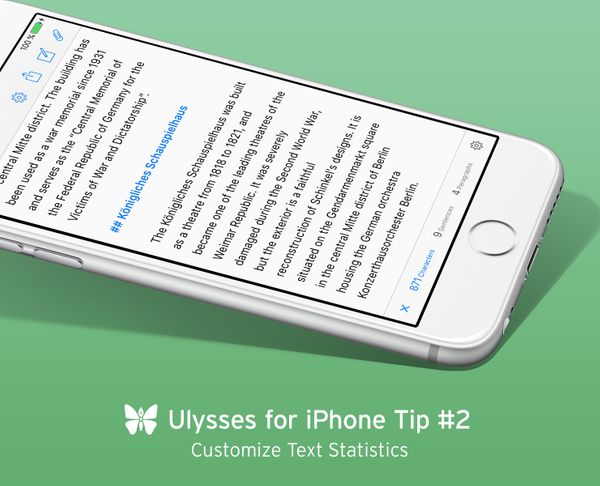
Customize Text Statistics Ulysses for iPhone Tip #2 Did you know that Ulysses offers comprehensive text statistics? At the bottom left of the editor, right next to the loupe icon for search, you’ll see a …
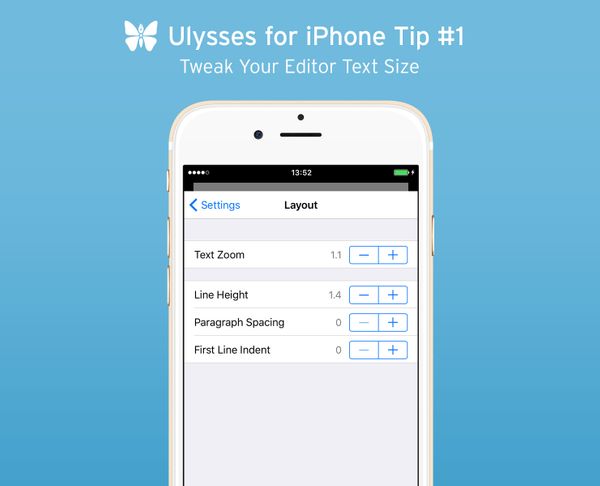
Tweak Your Editor Text Size Ulysses for iPhone Tip #1 The release of Ulysses 2.5 last week brought us thousands of new Ulysses users. Welcome aboard, we’re very happy to have you here! We have decided …
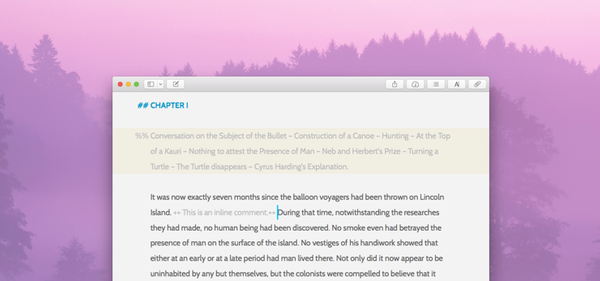
Editing and Writing With Comments and Co. “This dialogue seems artificial.” – “Is it probable to die from a rattlesnake’s bite?” – Sometimes you will want to add related comments and thoughts to the texts you are writing or editing. In …
Academic Writing on the Mac: Papers and Ulysses Just like Ulysses, Papers is a popular app with academic writers. Scholars from all over the world use this tool to find and organize their research material and create references in their own …
Keep Your Writing Focused Using Minimal Mode Ulysses has always been about focus on writing – nothing should distract you from your creative flow. You can hide sidebars or panels you don’t need and the Fullscreen mode provides an almost …
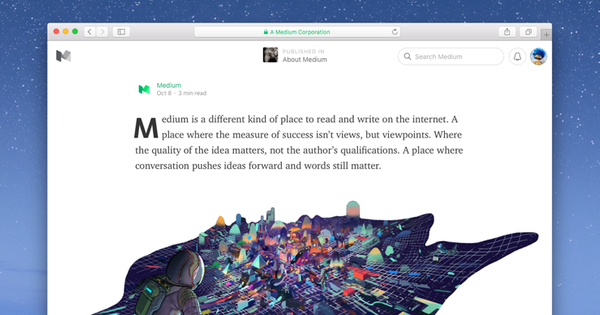
Publish Stories on Medium directly from Ulysses Medium [http://medium.com] is a platform that allows you to publish your stories, thoughts and ideas online. These stories are presented in a beautiful and elegant way and find their audience independent …
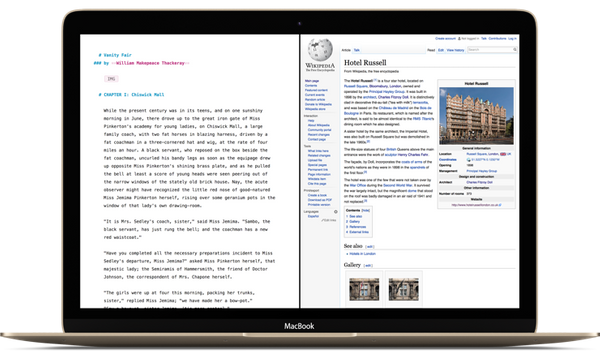
Take Advantage of El Capitan’s Fullscreen Split View Mac OS X has included the ability to run an application in Fullscreen for quite a while. When Apple released OS X 10.11 El Capitan, they’ve made it possible to run …
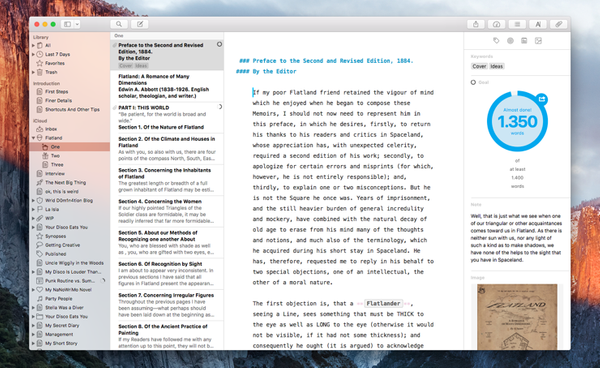
Manage Your Sheets and Attachments Better With the New Sidebars With the release of Ulysses for Mac 2.2 [https://stories-staging.ulysses.app/blog/2015/10/ulysses-for-mac-2-2/], we’ve fundamentally reworked the behavior of the sidebars. This allows …
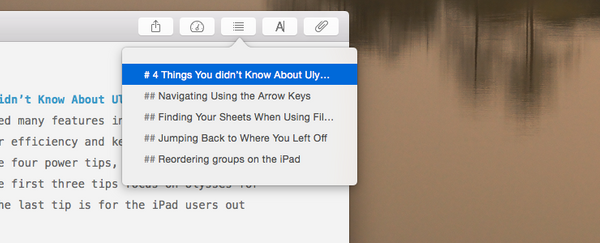
4 Secret Ulysses Tips for Power Users Ulysses is made with love and attention to detail. Here are four hidden features that can help improve your efficiency and keep you in your creative flow. The first three tips focus on …
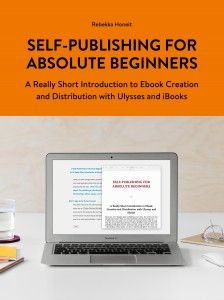
Self-Publishing for Absolute Beginners A Really Short Introduction to Ebook Creation and Distribution with Ulysses and iBooks Have you ever thought about publishing your texts, but never put that thought into action? Well, you could probably tackle …
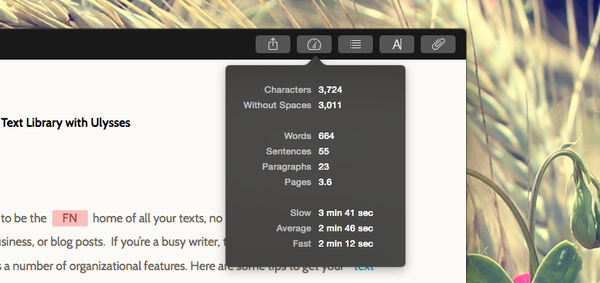
Get More Out of Your Text Statistics If you’ve ever written a longer text, you certainly wanted to know how much you’ve actually written so far. This is where statistics come in pretty handy. In Ulysses, access to …
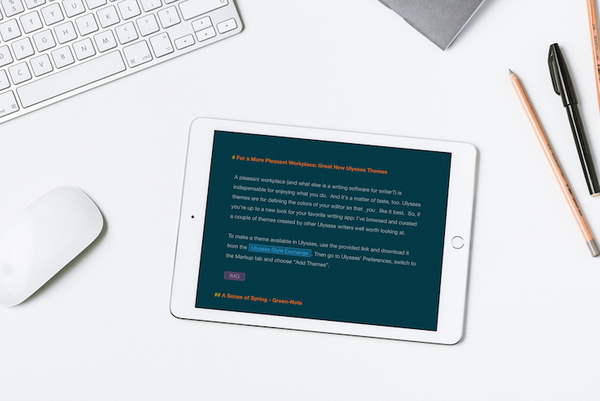
For a More Pleasant Workplace: Great New Ulysses Themes A pleasant workplace (and what else is a writing software for a writer?) is indispensable for enjoying what you do. And it's a matter of taste, too. Ulysses’ themes are for …
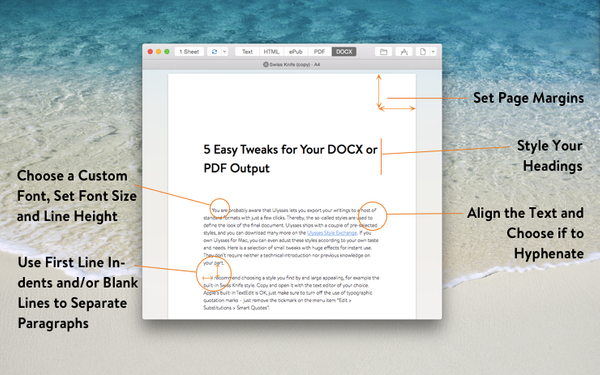
5 Easy Tweaks for Your DOCX or PDF Output You are probably aware that Ulysses lets you export your writings to a host of standard formats with just a few clicks. Thereby, the so-called styles are used to define the look …
6 Tips to Organize Your Text Library with Ulysses We’ve designed Ulysses to be the home of all your texts, no matter if they’re notes to self, white papers for your business, or blog posts. If you’re a busy …